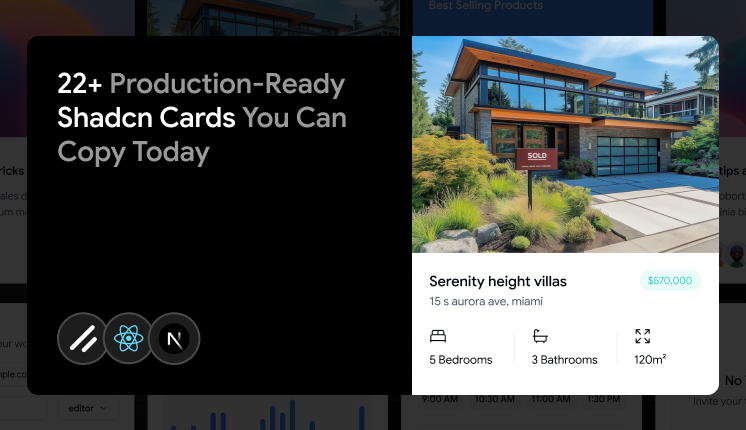
Key Takeaways
- 22 card variants here cover content previews, analytics, scheduling, billing, and team workflows.
- All cards are built with React, Next.js, and Tailwind CSS . Some also include Framer Motion, Radix UI, or Base UI .
- Install through the Shadcn CLI in one line with pnpm, npm, yarn, or bun.
- Some cards are free , some are premium , and several support copy-prompt for V0, Lovable, and Bolt.
- Each card uses the same 6-part composition , so spacing and structure stay consistent across your app.
Cards look easy until you build the tenth one by hand. You start with a clean title and a body, then a product manager asks for a metric delta, a hover reveal, a footer action, and an empty state, all on the same screen. Soon, you are rewriting the same layout logic across dashboards, product grids, and onboarding flows.
I built this list to skip that loop. Every Shadcn Card below maps to a real product problem, not a design demo. You copy the one that matches the job, drop it into your React or Next.js project, and move on.
What is a Shadcn Card?
A Shadcn Card is a grouped content container built from composable parts. It groups related data into a single block: title, description, media, action, and footer, so the interface stays scannable and easy to maintain.
The structure is what makes it useful. Instead of a single rigid component with fixed props, you get small pieces you can arrange yourself. That means a product tile, a KPI widget, and a booking form can share the same base without forcing three custom layouts.
These cards fit modern React stacks. They work inside Next.js projects with Tailwind styling, and they support both Radix UI and Base UI primitives, which matters once keyboard behavior and accessibility become part of the build.
Why Card Components Are Useful
Raw content without structure turns dashboards into noise. Forms blur into product lists, and metrics get lost in long blocks of text. A card draws a clear boundary around one idea so your users can scan instead of read.
Here is what you actually get when cards are composable:
- Clear sections: CardHeader, CardTitle, CardDescription, CardContent, CardAction, and CardFooter keep the layout predictable.
- Free composition: drop in buttons, badges, avatars, charts, or menus without fighting fixed styles.
- Accessible markup: semantic headings and sections that map to ARIA roles.
- Grid-friendly layouts: stack on mobile, split into columns on desktop, no rewrite needed.
- Low overhead: lightweight markup that holds up when a dashboard renders 30 cards at once.
That is the reason cards keep showing up in SaaS, admin panels, and content-heavy apps. They solved the structural problem once.
Developer checklist before you use these cards
Most card problems show up in production, not in the demo. Run this checklist before you ship any of the variants below.
- Confirm Tailwind CSS is installed and configured in your project.
- Match the card variant to the user task, not just the visual style.
- Keep one primary action per card when you can.
- Reuse the same spacing, typography, and state tokens across the full grid.
- Test keyboard focus, hover states, and empty states before launch.
- Load real data early so the layout breaks the surface before production.
- Check dark mode if your app supports it, since contrast often fails there first.
Card Composition
Use the following composition to build a Card:
Card
├── CardHeader
│   ├── CardTitle
│   ├── CardDescription
│   └── CardAction
├── CardContent
└── CardFooter
Stick to this tree, and your cards stay consistent. The header carries identity and quick actions, the content holds the body, and the footer holds primary actions like save, submit, or purchase.
How to Install
The setup follows a copy-paste approach through the Shadcn CLI. Instead of pulling an opaque package, the CLI copies readable code straight into your codebase, so you own and edit every line.
pnpm
pnpm dlx shadcn@latest add @shadcn-space/card-01
npm
npx shadcn@latest add @shadcn-space/card-01
yarn
yarn dlx shadcn@latest add @shadcn-space/card-01
bun
bunx shadcn@latest add @shadcn-space/card-01
Several cards also ship with copy-prompt support. You copy the prompt and paste it into V0, Lovable, or Bolt to generate the card inside your AI workflow. If you build with agents, the Shadcn MCP server connects tools like Cursor, Claude Code, and VS Code to real component data, so the generated UI uses actual props and variants instead of guesses.
Every card is built on React, Next.js, and Tailwind CSS. Some use Framer Motion for animation and Radix/Base UI for primitives.
If you also need form inputs alongside these cards, the Shadcn Input set pairs cleanly with CardContent.
Quick Comparison Table
Here's a quick comparison to help you pick the right Shadcn Card for your project.
| Card | Type | Big For |
|---|---|---|
| Ecommerce Product Variant Card | Free | Variant selection |
| Article Preview Card | Free | Blog and Editorial feeds |
| Form Card | Free | Settings and project setup |
| Preview Card | Free | Listings and catalog tiles |
| Push Notification Card | Free | Paid and activity displays |
| Welcome Card | Free | Dashboard entry screens |
| Chart Card | Free | Profit and trend overviews |
| Analytics Card | Free | SaaS analytics summaries |
| Spotlight Card | Premium | Pricing highlights |
| Product Card | Free | Product showcases and e-commerce listings |
| Car | Free | Team onboarding |
| Statistics Card | Free | Multi-metric KPI panel |
| Audio Frequency Visualizer | Free | Audio and voice apps |
| Guest Member Card | Free | Empty team states |
| Spacing Card | Free | Dense data layouts |
| Appointment Card | Free | Booking and scheduling |
| Ecommerce Product Rating Card | Free | Product rating displays |
| Assign Task Card | Free | Issue and TR routing |
| Weekly Card | Free | Weekly activity report |
| Contributed Card | Free | Community and growth stats |
| 3D Flipping Card | Premium | Showcase and reveal tiles |
| Credit Card | Free | Payment and billing UI |
Best Shadcn Card Components
Each Shadcn card component below solves a specific UI problem. They are built to be dropped into production apps.
Ecommerce Product Variant Card
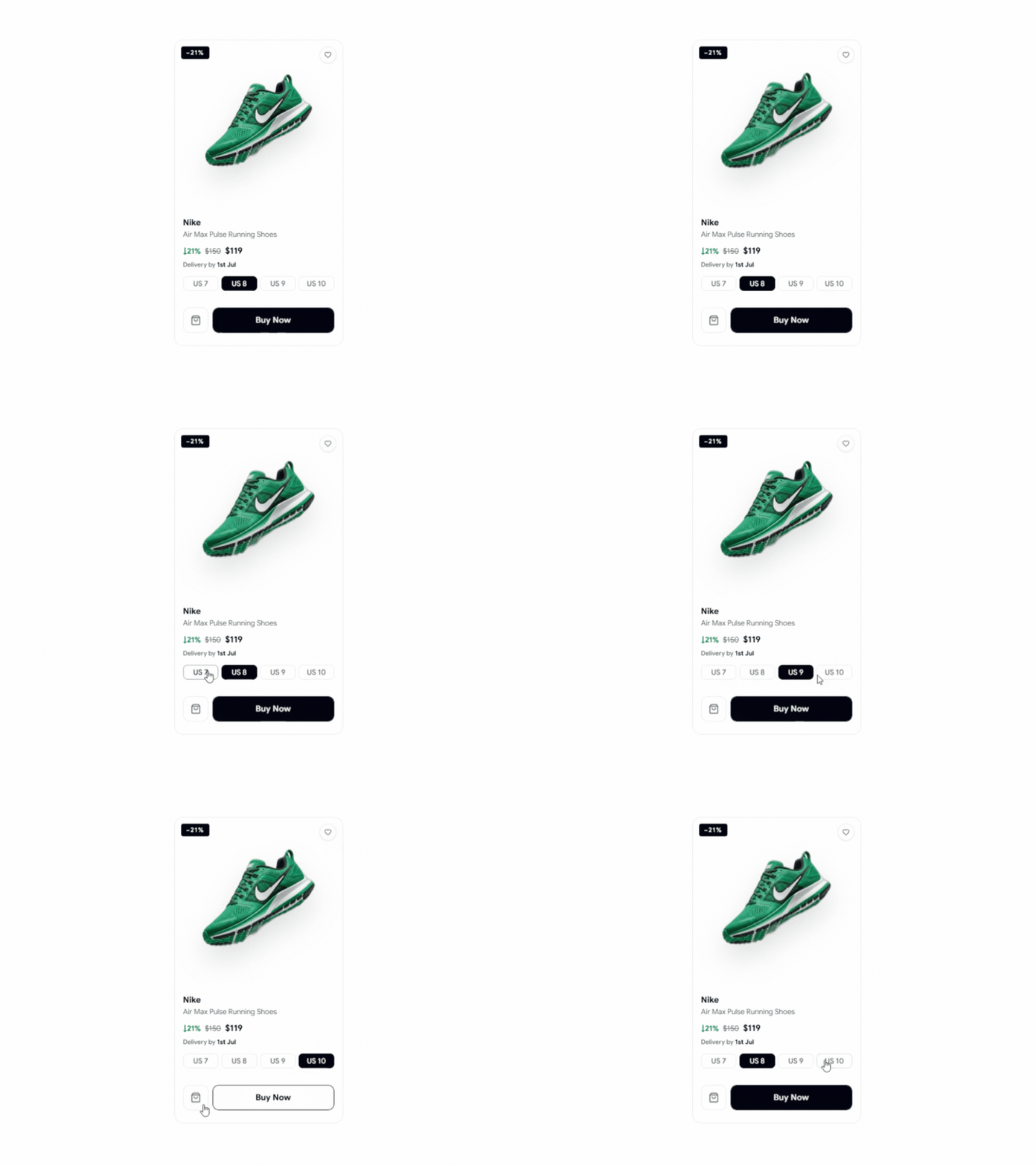
Variant selection breaks when sizes and discounts live in separate spots. This card shows a discount badge, product name, price drop, delivery estimate, and selectable size options in one block. It keeps the buying decision contained. You use it on product pages where variant choice happens inline.
Use cases
- Photo gallery pages
- Size and Option Selection
- Discount-large tiles
- Fast checkout previews
- Variant & Edit blocks
Best for: Product variant selection.
Explore Ecommerce Product Variant Card
Article Preview Card
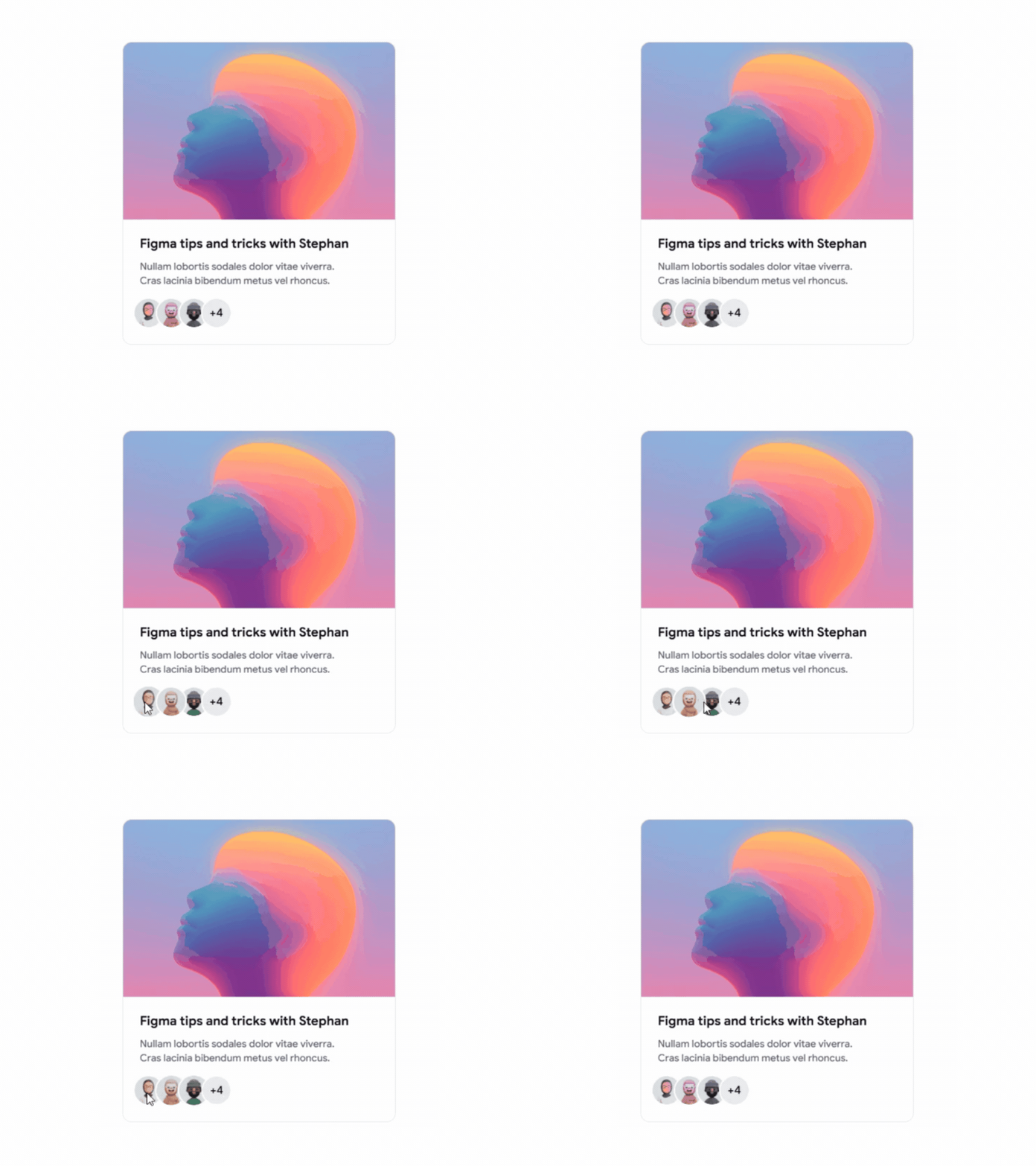
Editorial grids fall apart when every post needs a custom layout. This card fixes that with a fixed skim path: title, excerpt, media preview, and compact action icons in one block. It reads fast in a grid, which is exactly what content discovery needs. You drop it into a feed, and the hierarchy stays the same across every post.
Use cases
- Blog index page
- Editorial and news feeds
- Author content grids
- RyPosts section
- Content discovery layouts
Best for: Blog feeds and editorial content grids.
----------------
👉 See the original article here: