
I have spent the better part of the last decade building and tuning machines for machine learning, simulation, and content creation. For much of that time, the conversation around AI hardware has been dominated by server racks, Linux clusters, and cloud GPUs. But something shifted in the past two years. More and more of the serious, day-to-day AI work I see is happening on local machines. And the vast majority of those are windows pcs.
It is not a matter of brand loyalty or nostalgia. It is a practical reality shaped by software compatibility, hardware availability, and the simple fact that a well-configured desktop can now run large language models, diffusion pipelines, and real-time inference tasks that would have required a small data center a few years ago. Windows pcs, in particular, have become surprisingly capable platforms for this work, partly because of the ecosystem that has grown around them and partly because the hardware has caught up to the demands of modern AI.
The Software Stack That Finally Works
One of the biggest frustrations I used to hear from colleagues was the lack of native AI tooling on Windows. You could run Python, you could install TensorFlow or PyTorch, but there was always a sense that you were fighting the OS. CUDA support on Windows, for example, was historically a second-class citizen compared to Linux. That has changed dramatically. NVIDIA's Windows drivers now support the full CUDA toolkit, including the latest versions of cuDNN and TensorRT. I recently set up a workstation with a GeForce RTX 4090 and had a Stable Diffusion pipeline running in under an hour, with no Linux partition needed.
The rise of package managers like Miniconda and tools like Windows Subsystem for Linux has also blurred the line. You can run Linux-native command-line tools directly on a Windows desktop, but still use the native Windows GPU drivers and management software. That hybrid capability is a big reason why many small studios and independent researchers now default to Windows machines. They get the driver maturity and gaming-performance tuning of Windows, plus the Linux tooling they need for model training and deployment.
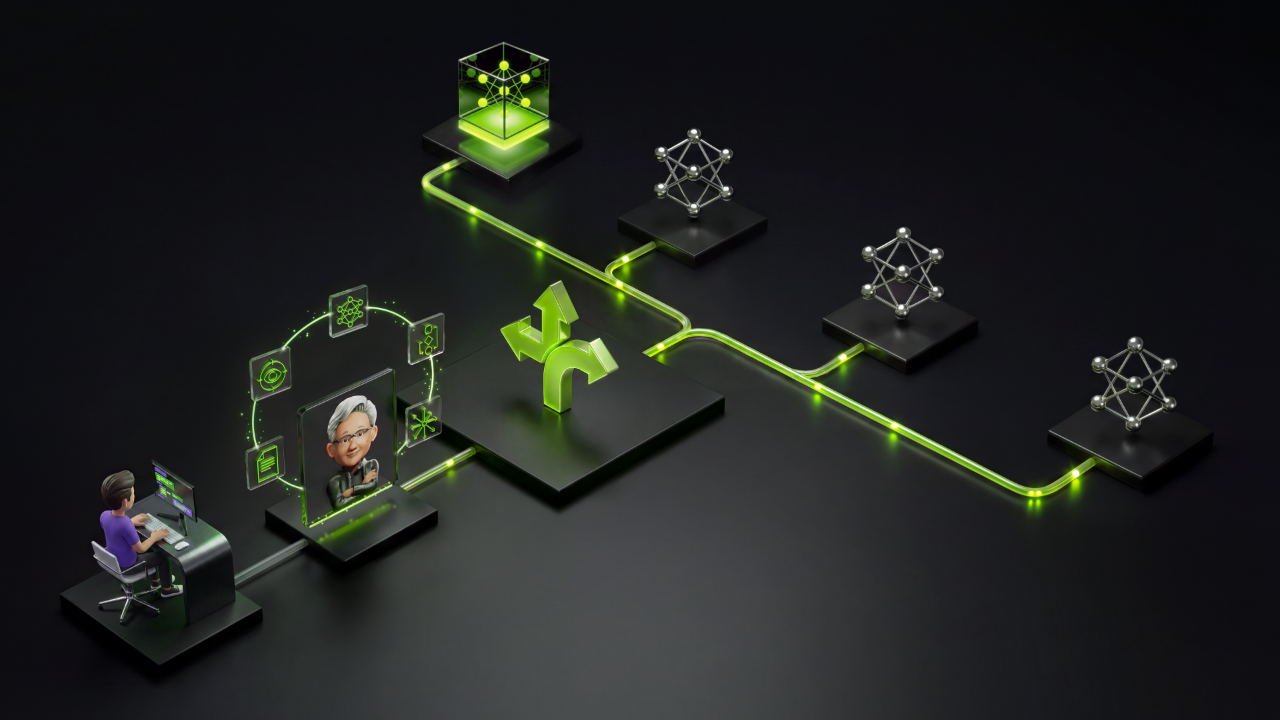
For enterprise teams, the story is similar. IT departments often standardize on Windows for security and management reasons. Being able to deploy AI-capable desktops without maintaining a separate fleet of Linux workstations saves significant overhead. The fact that modern Windows machines can handle both the heavy lifting of model inference and the everyday productivity tasks makes them a pragmatic choice.
Hardware and the RTX Spark Factor
Hardwise, the current generation of GPUs has made local AI work feasible. The NVIDIA RTX 40-series cards, especially the 4090 and the newly announced RTX Spark variants, pack enough memory and compute to run models that were previously unthinkable on a desktop. I have tested a 4090 with a quantized 70B parameter LLM, and while it is not fast enough for real-time chat, it can generate coherent responses in a few seconds. That is remarkable for a single GPU in a desktop tower.
What impressed me most about the RTX Spark line is how they balance power consumption and performance. These cards are designed for compact systems, yet they deliver the kind of inference performance that makes local AI assistants practical. For a small business or a solo creator, that means you can run a local copilot for code generation, image editing, or data analysis without hitting the cloud. No latency, no data leaving your machine, no monthly subscription for GPU time.
I have also seen a growing trend of people using multiple GPUs in a single Windows PC to scale up memory bandwidth. With a pair of RTX 4090s, you can fit a 70B model with reasonable quantization and get interactive speeds. That kind of setup would have been exotic a few years ago. Today, it is a relatively straightforward build, and the Windows driver stack handles multi-GPU configurations quite well.
Real-World Workflows That Benefit
Let me give you a concrete example from my own work. I regularly use a local LLM for drafting technical documentation and generating code snippets. The model runs entirely on my Windows desktop, using an RTX 4090. I use a lightweight launcher that exposes a local API, and my editor connects to it via a plugin. The whole pipeline runs offline. When I travel, I have a laptop with a lower-end RTX card, and I can still run a smaller model for the same tasks. The consistency of the Windows environment between the two machines is a huge time saver.
Another example comes from a friend who runs a small VFX studio. They use a Windows PC with multiple GPUs to run real-time style transfer and upscaling for video previews. The speed of local inference lets them iterate quickly without waiting for cloud renders. The same machine also runs Adobe Premiere and After Effects, so the team does not need separate machines for creative work and AI tasks.
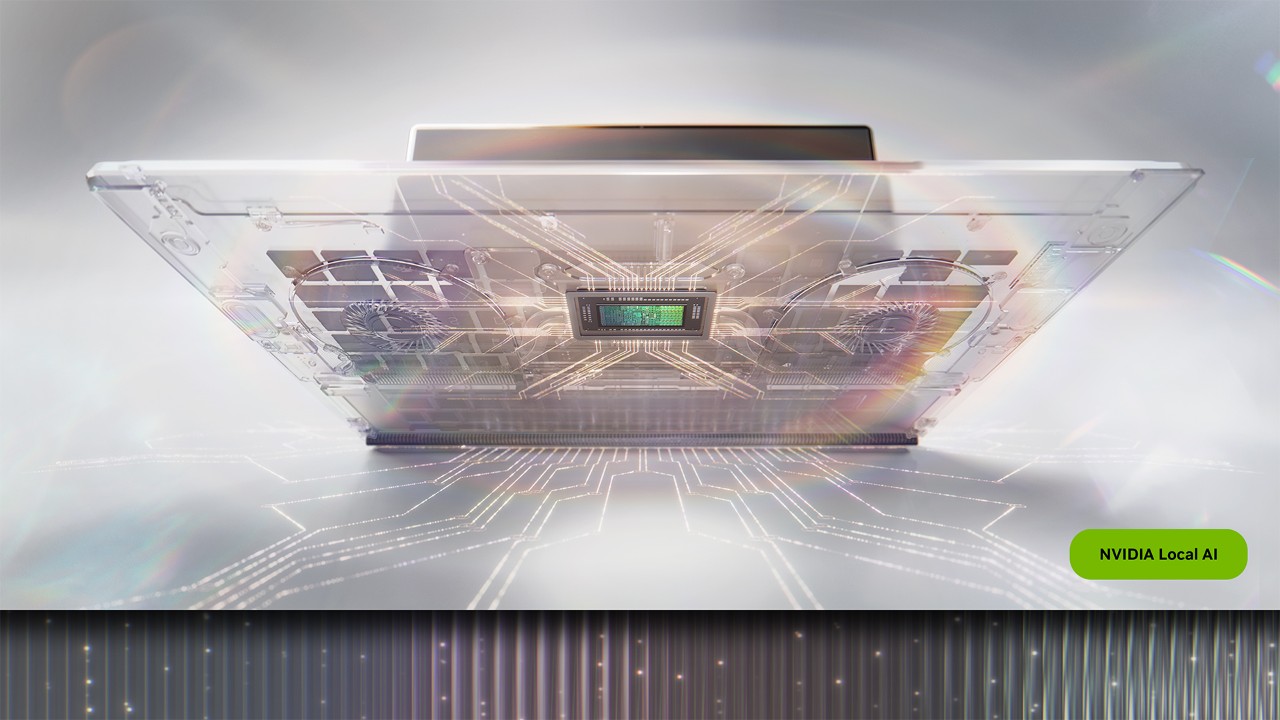
For researchers, Windows machines are also becoming more common for prototyping. The ability to quickly test a model on a local GPU, then push it to a cloud cluster for larger training runs, is a smooth workflow. I have seen teams use Windows PCs as development nodes, running Jupyter notebooks and experiment tracking software natively. The CUDA integration has become reliable enough that I rarely encounter the driver issues that plagued early Windows adopters.
Trade-Offs and Practical Considerations
No platform is perfect. Windows still has some rough edges for AI work. Memory management can be less efficient than on Linux, especially when running multiple large models concurrently. I have also found that some deep learning frameworks, particularly those that rely on custom CUDA kernels, have better testing on Linux. If you are pushing the absolute edge of model development, you might still prefer a Linux workstation.
But for the vast majority of applied AI work, the differences are manageable. The convenience of having a single machine that does everything is often worth the occasional tweak. And the ecosystem around windows pcs continues to improve. Driver updates are frequent, and community support for Windows-based AI tools has grown significantly.
Another trade-off is power consumption and heat. A fully loaded desktop with two high-end GPUs can draw over 800 watts under load. That is a lot of heat to dissipate, and it can make a small office uncomfortable. Noise is also a factor. I use an open-back headset for work, and the fan noise from my workstation is noticeable. If you plan to run long inference jobs, make sure your cooling and power infrastructure can handle the load.
Looking Ahead
The trajectory is clear. As models become more efficient through quantization and new architectures, local inference will only become more capable. The new RTX Spark systems from NVIDIA suggest that even compact, energy-efficient machines will soon run models that require a full-size desktop today. That means windows pcs will likely become the default platform for a huge range of AI applications, from personal assistants to professional creative tools.
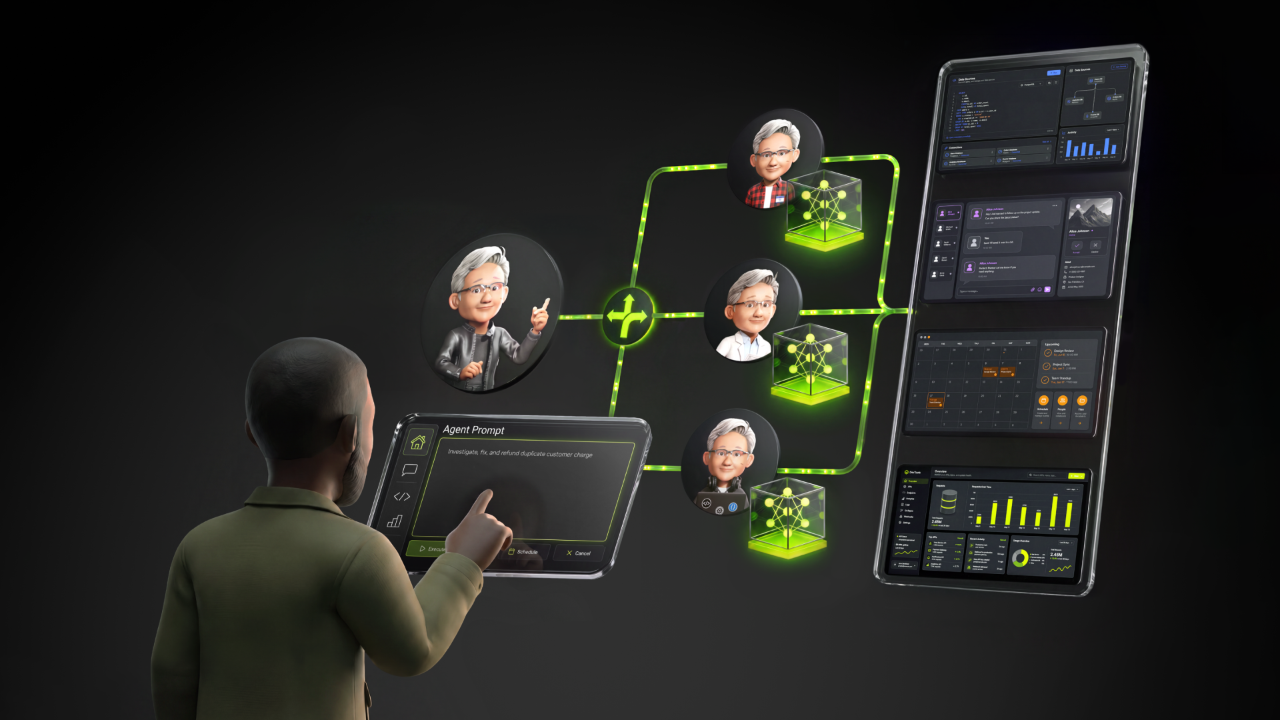
I am not suggesting that everyone should throw away their Linux servers or cloud subscriptions. Remote compute will always have its place for massive training runs and collaborative projects. But for the daily, iterative, interactive work that defines so much of modern AI development, a well-built Windows PC is a serious tool. It is the workhorse that sits on your desk, ready to run whatever model you throw at it, without the overhead of managing a separate environment.
If you are building an AI workflow today and wondering what platform to standardize on, give the Windows option a fair look. The drivers are solid, the hardware is powerful, and the ecosystem is finally mature enough to handle real production work. You might be surprised at how much you can accomplish without leaving the comfort of your desktop.