
Discover How Many Pages Google Has Stored From Your Domain
Introduction: Why Indexed Page Counts Matter
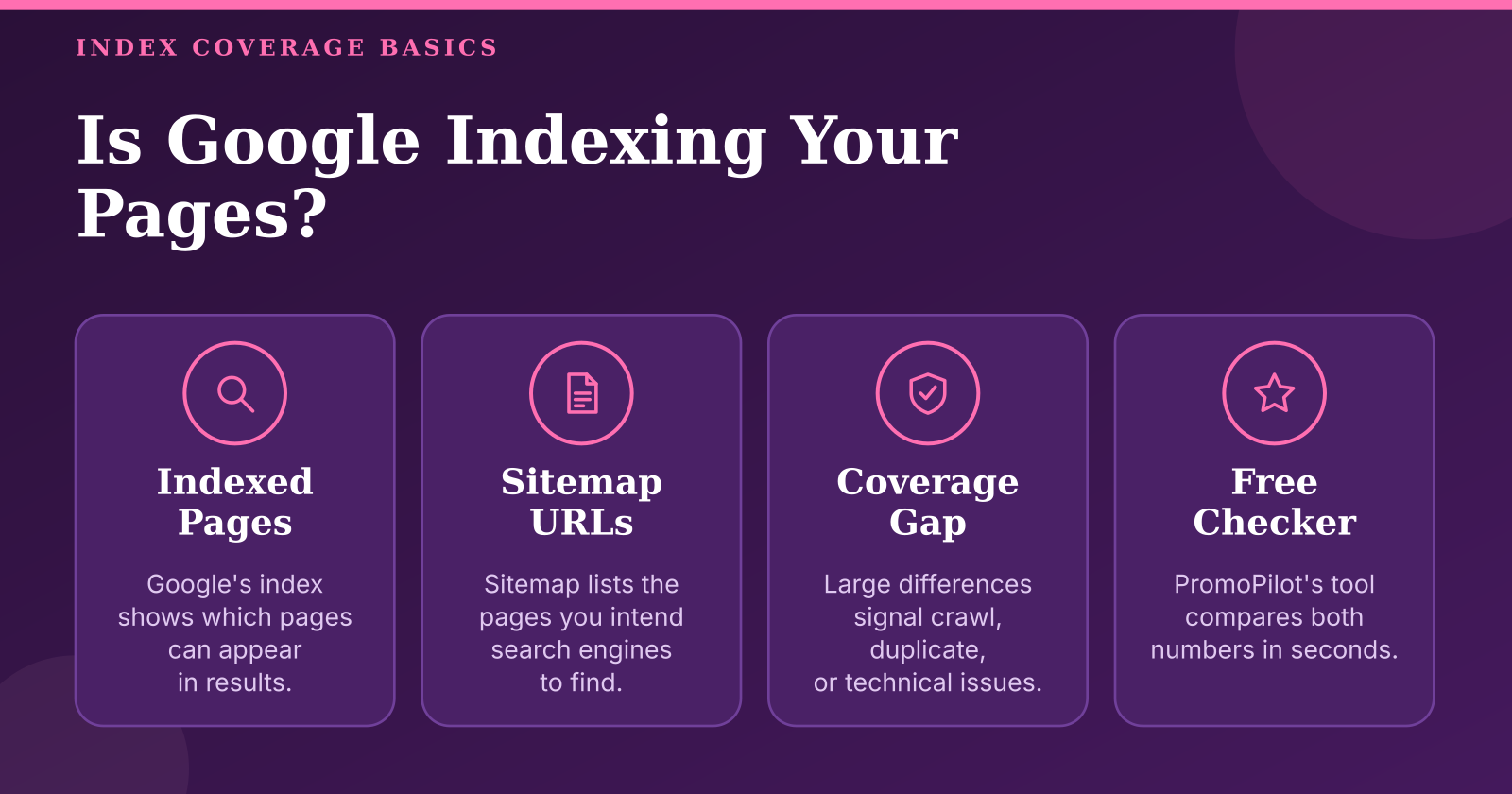
Every site owner eventually asks the same question: how many of my pages does Google actually have in its index? The answer determines whether your content can be found at all. A page that is not indexed cannot rank, cannot earn clicks, and cannot send traffic, no matter how well it is written. That is why a site index checker is one of the first diagnostic tools worth running on any domain, whether it is your own project, a client site, or a competitor you are evaluating before a purchase. PromoPilot™ built its free checker for exactly this job: enter a domain, see roughly how many pages Google reports, compare that figure with the URLs listed in your sitemap, and get an index coverage percentage in a few seconds.
The practical value lies in the gap between two numbers. The first is what you publish: the URLs you declare in sitemap.xml, which represent the pages you intend search engines to know about. The second is what Google has chosen to keep: the pages that appear in its index and can be returned for queries. When these numbers are close, your site is healthy in terms of discovery. When they diverge sharply, something is wrong, whether that is a technical blocker, duplicate content, a crawl budget problem, or a sitemap that simply lists the wrong URLs. Reading that gap correctly is a skill, and this guide walks through it from the mechanics of the tool to the decisions that follow from its output.

How a Site Index Checker Works and What It Measures
Before trusting any number, it helps to understand what Google's index actually is. Google moves through a site in stages: it discovers URLs through links and sitemaps, crawls them to fetch their content, and then decides whether to index them. A URL can be discovered but never crawled, crawled but never indexed, or indexed and later dropped. The index is therefore a subset of everything Google knows about, and the subset changes continuously. A page missing from the index may be known to Google, may be queued, or may have been deliberately excluded because Google judged it low value or duplicative.
- Compare the number of posts or products in your CMS with the number of indexed URLs in each section, using section-level queries such as site: restricted to a directory
- A client evaluating an agency can check whether the pages being promoted are actually visible to search engines
- Used with discipline, the tool reveals migrations that went wrong, sections that are starved of indexing, and sitemaps that have drifted away from reality
- Treat the percentage as a direction, segment the analysis by section, and confirm findings in Search Console before making major changes
Most checkers rely on the site: operator, a search query that asks Google to list the pages it holds for a given domain. The tool sends this query through a proxy, strips the www. prefix and any path you typed, and reads the estimated result count Google displays. That figure is the "Pages in Google's index" value. It is useful, but it is an estimate, not a precise database count. Google can report different totals for the same domain on different days or in different sessions, and it sometimes shows no estimate at all. When that happens, a sound tool should say so explicitly rather than invent a number, and the coverage percentage should be withheld because the baseline is unreliable.
The sitemap side of the comparison works differently. The checker looks for the sitemap address in the Sitemap: lines of robots.txt and falls back to /sitemap.xml and /sitemap_index.xml. If the file is a sitemap index, it opens the child sitemaps and adds up their URLs. The result is a count of URLs you have declared. Index coverage is simply indexed estimate divided by declared URLs, capped at 100%. Because both inputs are approximate, the percentage is best read as a signal of direction and order of magnitude, not as a score to optimise to the decimal place.
Several factors make the indexed number larger or smaller than intuition suggests. The site: operator also covers subdomains, so a blog on a subdomain, a staging copy, or a forgotten test environment can inflate the count. Filter pages, tag archives, pagination and parameter URLs often appear in the index while staying out of the sitemap, which means a coverage figure near 100% can hide index bloat. Conversely, a large sitemap split across many files may be only partially read, and the report will say so rather than pretend to completeness. Understanding these mechanics turns the checker from a black box into a diagnostic instrument.
There is also a timing dimension. Newly launched sites often show low coverage for the first few weeks because Googlebot has not yet discovered and processed most URLs, and new domains without external links are visited infrequently. Low coverage in that window is normal and does not by itself indicate a problem. A sudden drop after a stable period is different. A fall by half or more usually points to a specific cause such as a robots.txt change, a noindex directive added to a template, or a release that shipped staging settings to production. Tracking the count over time is therefore more informative than any single reading.
Running a Coverage Audit Step by Step
A useful audit begins with inputs, not with the tool. First, decide on the canonical host. Google treats https://example.com, https://www.example.com and http:// variants as distinct origins, and a checker run on the wrong variant will produce a misleading count. Confirm which version your users and your sitemap use, and check domain variants consistently. Second, locate your sitemap. Look in robots.txt for Sitemap: lines first, because that is the authoritative declaration. If your CMS generates a sitemap at a non-standard path such as /wp-sitemap.xml, make sure robots.txt references it, because the checker reads only the declared location and the standard fallbacks.
Third, prepare a clean URL list. Export the URLs your CMS or crawler considers publishable, then compare that list with the sitemap. Sitemaps often contain redirected URLs, 404 pages, noindex pages and non-canonical duplicates that will never be indexed under their own address. Removing these before measuring gives you a cleaner denominator and makes the coverage figure meaningful. A sitemap that lists 12,000 URLs of which 3,000 are dead weight will always show low coverage, and fixing the sitemap is often the fastest improvement available.
Fourth, run the check and record the outcome. A practical routine is to measure once a month and log three values: the indexed estimate, the sitemap URL count and the coverage percentage, along with the date and the domain variant used. For a small site of a few hundred pages the check takes seconds. For a large catalogue spread across many sitemap files, expect the process to take longer and watch for the "checked N of M sitemaps (count incomplete)" message, which means coverage should not be trusted yet. A consistent log lets you see whether an intervention actually moved the numbers.
Fifth, reconcile the results with Google Search Console. The third-party estimate and the Page indexing report will never match exactly, because they measure different things with different methods. Search Console gives exact statuses for URLs you own and the reasons they are excluded, which the external checker cannot provide. Use the checker for speed and for sites you do not control, and use Search Console as the authoritative baseline for your own property. Keeping both in one spreadsheet, with a column for each source and a note on the date, prevents the common mistake of comparing numbers gathered by different methods.
A coverage percentage is a question, not an answer. A low figure tells you where to look; it does not tell you what is wrong.
How to Choose a Site Index Checker
Not every tool that claims to count indexed pages does so in a comparable way, so selection criteria matter. The first is methodological transparency. A trustworthy tool documents how its counts are obtained, states its limitations and admits when Google provides no estimate. If a checker returns a precise figure with no explanation of its source, treat that precision with suspicion. Look also for sitemap parsing that follows robots.txt declarations, handles sitemap index files and supports compressed files, because these details determine whether the sitemap denominator is complete.
The second criterion is operational fit. Check the free tier limits, the daily quota, and whether an account is required. Consider how often you need to measure: a one-off competitor review needs a different tool from a weekly monitoring routine. Export formats and API availability matter if you plan to feed results into reporting dashboards. Privacy also deserves attention: find out what domain data is sent to the service and whether anything is stored after the check. A tool that asks for Search Console access to produce an estimate deserves more scrutiny than one that works from public information alone. Because the figure is only an estimate, it helps to cross-check it with the site index checker results over several days and compare the trend rather than trusting a single reading.
The third criterion concerns the role of the tool in your workflow. Free web checkers are well suited to quick sanity checks and to assessing sites you do not control. SEO suites with index monitoring add historical tracking and alerts, which pay off on large sites that change frequently. Search Console remains the authoritative source for your own properties, but it does not cover competitors and offers no quick view of someone else's domain. The right choice depends on site size, update frequency and whether the people running the check have direct access to the data. A small team with a single blog needs far less than an agency managing dozens of client sites.
Common Mistakes in Index Coverage Analysis
The most frequent error is treating an approximate site: result as an exact figure. Analysts see "about 1,240 pages" and build a report around the decimal, then are surprised when the next day shows 1,180. Compare orders of magnitude and directional change instead. A count that drops from 1,200 to 300 is a real signal; a swing from 1,240 to 1,180 is noise. Equally misleading is comparing numbers gathered with different methods, such as a checker reading from one domain variant and a Search Console report covering another.
A second mistake is assuming that every sitemap URL should be indexed. Sitemaps may legitimately include pages that are canonicalised elsewhere, paginated pages that Google consolidates, or content that is intentionally low priority. The goal is not a coverage ratio of 100%. It is to ensure that the pages you want found are indexed and that the pages you do not want found are either excluded from the sitemap or excluded from the index with noindex. Stale sitemaps that list deleted pages are a particular problem, because they make coverage look worse without any real indexing failure.
The third mistake is acting on noise. Reacting to every daily fluctuation leads to changes that do not address anything, and sometimes to changes that create new problems. Segment the analysis instead. Separate the blog from the product catalogue, the main language version from the others, and the core pages from parameter URLs. A gap that looks alarming at domain level often turns out to sit entirely within one section, which is far easier to diagnose. Only after identifying the section should you check root causes such as robots.txt rules, noindex tags, canonical settings and internal linking depth.
Practical Tasks a Site Index Checker Solves
One of the clearest uses is verifying the outcome of a migration or redesign. After new URL structures go live, the indexed count should recover over several weeks, and the sitemap should reflect the new addresses. If the count stalls or falls, the likely causes are redirect chains, missing redirects from old URLs, or a template that applies noindex by mistake. Measuring at launch, two weeks later and again after a month gives a clear picture of whether the migration landed cleanly.
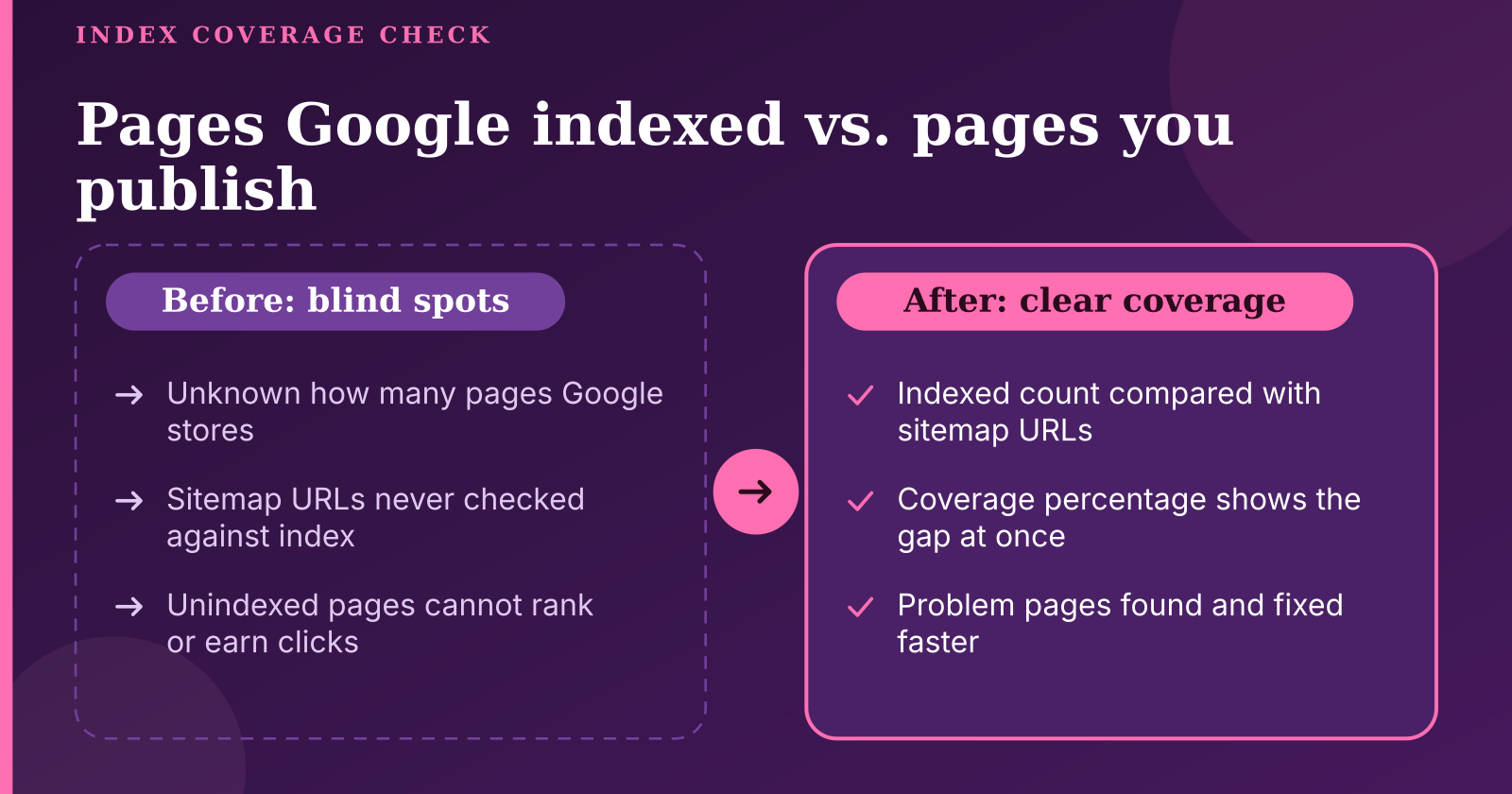
A second task is auditing how resources are spread across the site. When a checker shows a large sitemap but low coverage, dig into which sections are lagging. Sections with many sitemap URLs but few indexed pages often contain thin or near-duplicate content that Google chooses not to keep. Consolidating those pages, improving their substance and strengthening their internal links usually does more than adding new content.
A third task is reporting to stakeholders who need a plain picture without technical detail. A manager deciding whether to invest in a relaunch can read a simple trend of indexed pages against declared URLs and understand the health of the site at a glance. In both cases the checker provides a shared, quickly reproducible number that anyone can verify, which is more useful in a meeting than a long list of technical observations.
Conclusion: Turning a Number Into Action
A site index checker is most valuable when it prompts the right questions. The indexed estimate, the sitemap count and the coverage percentage together tell you whether Google is finding and keeping the pages you publish, and they show where to look when it is not. Used carelessly, it produces false alarms built on approximate figures.
The sensible routine is straightforward. Settle the canonical domain and sitemap location first, clean the URL list, measure on a fixed schedule and log the results. For competitors and client sites where direct access is not available, a free estimate is still a legitimate starting point, provided you read it honestly. Start with the number, then find out what is behind it.