How to use Autel MaxiIM IM608 Pro II to do key learning for a 2011 Audi Q5? Read this article and follow the provided instructions.
Tools needed:
MaxiIM IM608 Pro II
Autel XP400 Pro Key Programmer
Steps:
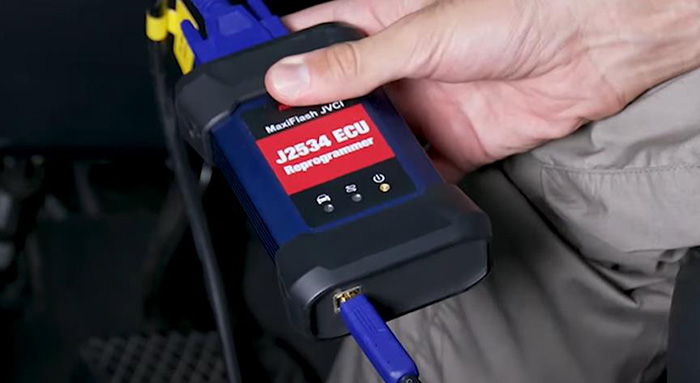
Firstly, connect the VCI/J2534 and the lM608 II. Pair the VCI with the lM608 in VCI Manager
Plug in the VCI to the OBD2 port located underneath the steering column, and pair the VCI with the IM608 in VCI management.

Tap IMMO which stands for a mobilizer on the home screen
Find Audi>>model>>year>>tap “yes”


Tap “control unit” >>immobilizer V BCM 2
We need to get the immobilizer data, so tap “read immo data”
To do this, we need to take a blank key and insert it into the ignition.
Tap “ok”, it will take a minute or so to get the immobilizer data.
Once you have the data, press “OK”


Next, make dealer key
We have to take the blank key from the ignition and produce a dealer key in order to pair with the vehicle.
Take out Autel XP400 pro programmer for this step.
Place the blank key in the programmer slot, if the key is locked, attempt to unlock it, once you unlock it, a dealer key will be made.