
音楽生成AIに自分の作ったMIDIファイルも使える。

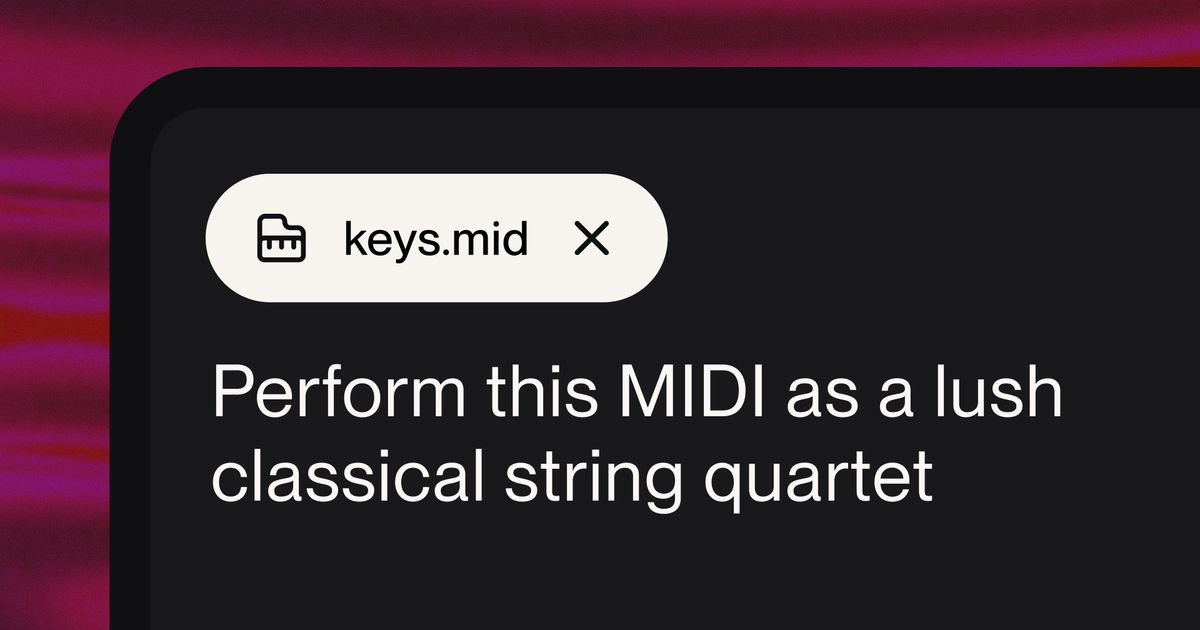
You can now start a song on Suno from a MIDI file, by dragging and dropping the file onto the Create page or choosing MIDI from the '+' menu. Try it now, or keep reading for examples of how you can use MIDI to kick off your composition process. But first, let’s begin with explaining what MIDI is, and why it offers such a good starting point to the creation process.
ということで具体的には?
What can you do with MIDI on Suno?
Turning MIDI to audio on Suno is an empowering experience. Click upload or drag and drop any .mid or .midi file onto the prompt. Then describe how you want Suno to reference your file using natural language. You can ask the model to take the top line motif from your MIDI file and develop it into new ideas, or play it on new instrumentation. Or you can instruct it to follow the notes exactly so you can hear your compositions and scores come to life exactly as you wrote them.
This is different from existing Create modes, such as using Remix or Cover to adapt an uploaded audio (WAV or MP3) file. This is because MIDI is conveying exact note and timing information, from which you can get very precise control over your songs.
So that covers what it is and how it works. Here are a few other examples of how you can use MIDI in Suno: